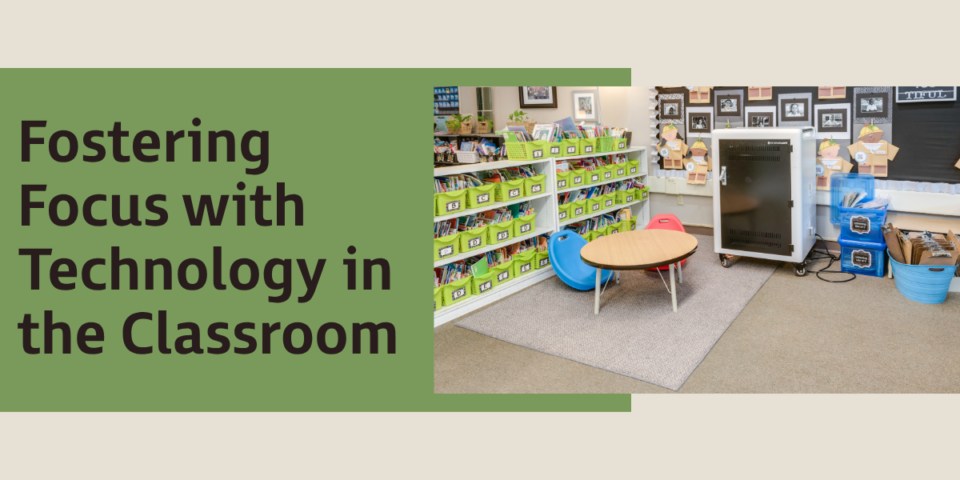
Adapted from Designing Intentional Classrooms by Carla Dabau Padrosa.
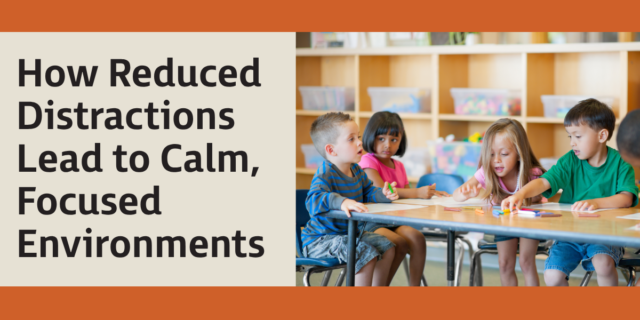
In today’s classrooms, digital tools and technology are embedded in almost every aspect of learning. While they offer undeniable benefits, too much exposure, especially without balance, can lead to overstimulation, cognitive fatigue, and reduced attention spans. Not just for students, but for teachers, too. Research backs up what many teachers have already noticed: Managing sound, screen time, and visual clutter is key to helping students stay focused. Here’s what the science tells us about why focus-friendly classrooms matter and how small adjustments can make a big difference.
The environment isn’t just visual; it’s auditory, digital, and emotional. Focus is disrupted not just by noise but by visual chaos and overuse of screens. That’s where research meets reality.
Cognitive Load Theory, introduced by John Sweller (1988) and expanded by researchers like Mayer (2009), suggests that when learners are hit with too many simultaneous stimuli, their working memory gets overwhelmed. It’s like asking your brain to juggle ten balls while riding a unicycle. You can’t retain key information when you’re just trying to keep up.
So how do we help? By being mindful of our classroom environment. With calming sounds, clear visuals, and limited digital distractions, we create spaces that help everyone breathe and focus. This means more than turning the volume down. It’s about clear surfaces only displaying what’s meaningful, choosing an intentional color palette, and removing anything that screams for attention without purpose. When our spaces feel calm and clear, our thinking follows. For students and teachers alike.
What this looks like
- Simplifying presentations (one clear slide at a time) improves retention.
- Limiting unnecessary tech distractions (turning off interactive whiteboards when not in use) keeps students engaged.
- Designing tech-free zones for focused tasks helps students process information more effectively.
A middle school teacher noticed that her students retained more information when she presented slides with fewer words and no extra animations. By using a “less is more” approach—one slide, one idea—her students’ quiz scores improved by 18 percent over the semester. I love numbers that show progress!
The Blue Light
Have you ever noticed how staring at a screen for too long makes your eyes feel strained? Or how some students get more restless after extended device use? That’s because of blue light exposure, which impacts alertness, fatigue, and even sleep cycles.
A study by Figueiro et al. (2011) found that prolonged exposure to blue light from screens suppresses melatonin (the sleep hormone), making it harder for students to regulate their attention and focus over time. This doesn’t just affect nighttime sleep; it influences daytime energy levels and cognitive endurance, too.
What this looks like
- Adjusting screen brightness settings or using “night mode” can help reduce strain.
- Scheduling tech-free intervals throughout the day prevents overstimulation.
- Encouraging students to look away from screens every twenty minutes (the 20-20-20 rule) helps reset focus.
A first-grade teacher noticed that her students were more engaged in morning lessons but struggled after long activities on their tablets. She introduced small whiteboard activities for certain tasks instead of digital versions, and students showed improved concentration and fewer complaints of eyestrain.
The Power of Tech-Free Breaks
The constant switching between digital tasks, interactive whiteboard lessons, online research, and classroom discussions might feel productive, but research shows these frequent shuffles reduce cognitive control and focus over time.
A study by Ophir et al. (2009) found that students who frequently multitask with screens struggle with weaker attention spans compared to those who engage in structured, tech-free intervals. The brain wasn’t designed to process multiple digital streams at once, and without intentional breaks, students retain less information and have a harder time switching between deep focus and casual learning.
What this looks like
- “Unplugged time” (silent reading, hands-on projects, peer discussions) helps reset the brain.
- Rotating screen-based and non-screen-based tasks throughout the day balances cognitive load.
- Encouraging journaling or note-taking on paper reinforces memory retention.
A fifth-grade teacher experimented with a Tech-Free Tuesday in which students completed all work using books, whiteboards, and group discussions instead of screens. Over time, students became more engaged, relied less on digital shortcuts, and developed stronger note-taking habits.